
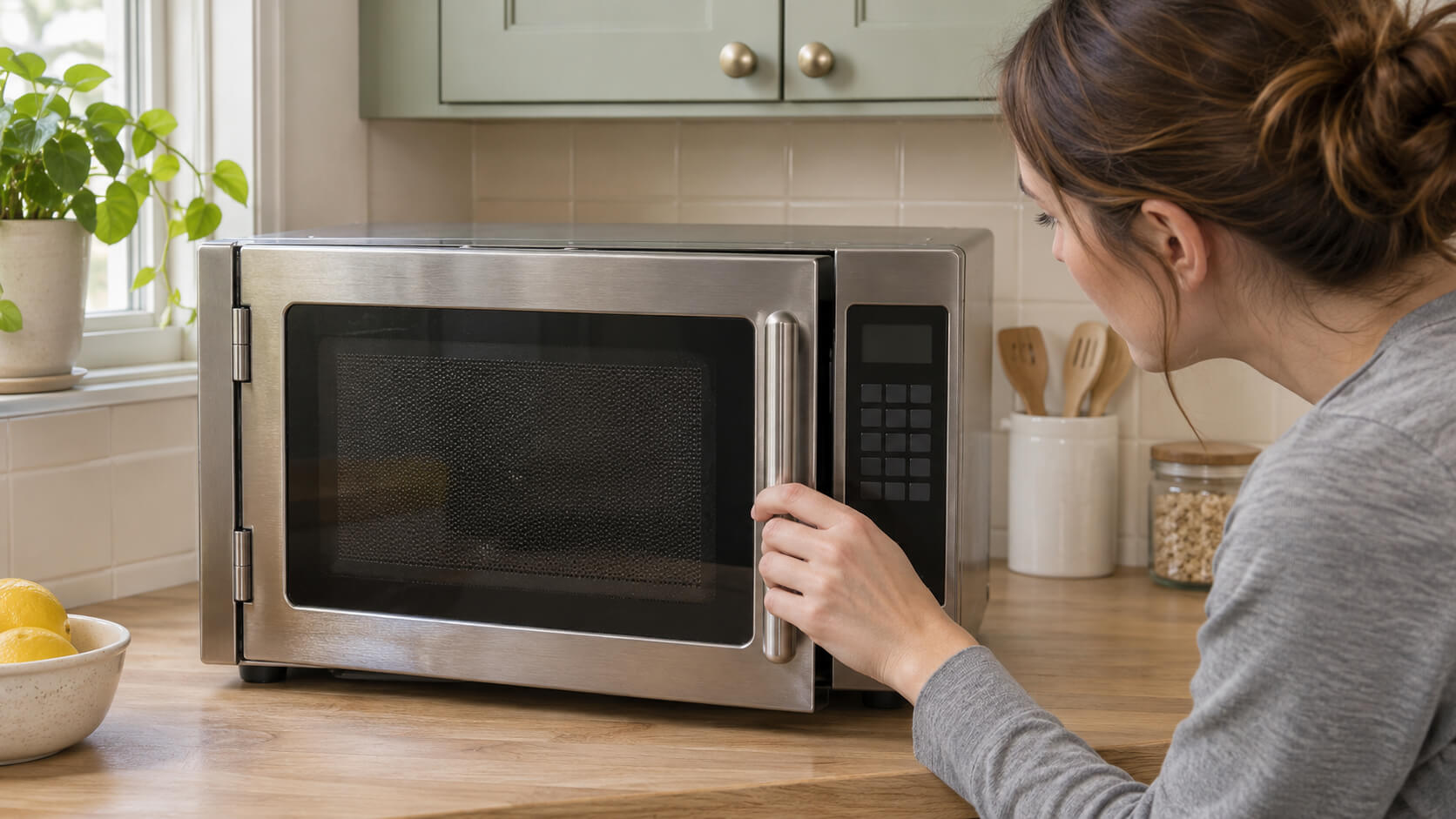
If your microwave door won’t shut properly, start by noticing where it stops. A door that hits something before reaching the frame suggests an obstruction. A door that reaches the frame and then springs back may have a problem with the latch or release mechanism. If one corner sits lower than usual, look for signs of hinge damage or a shifted installation. A door that closes firmly while the display still reports it as open is a different symptom. Keep the microwave off if the door won’t close securely or if you can see damage to the door, hinges, latch or sealing surfaces. Don’t hold the door shut and press Start to see what happens. Switch the microwave off and unplug it before inspecting or cleaning the door area if the plug is safely accessible. You can check for visible obstructions without taking the appliance apart. The six causes below apply to hinged countertop, built-in and over-the-range microwaves.
1. Food Debris, Cookware or Packaging Is Blocking the Door
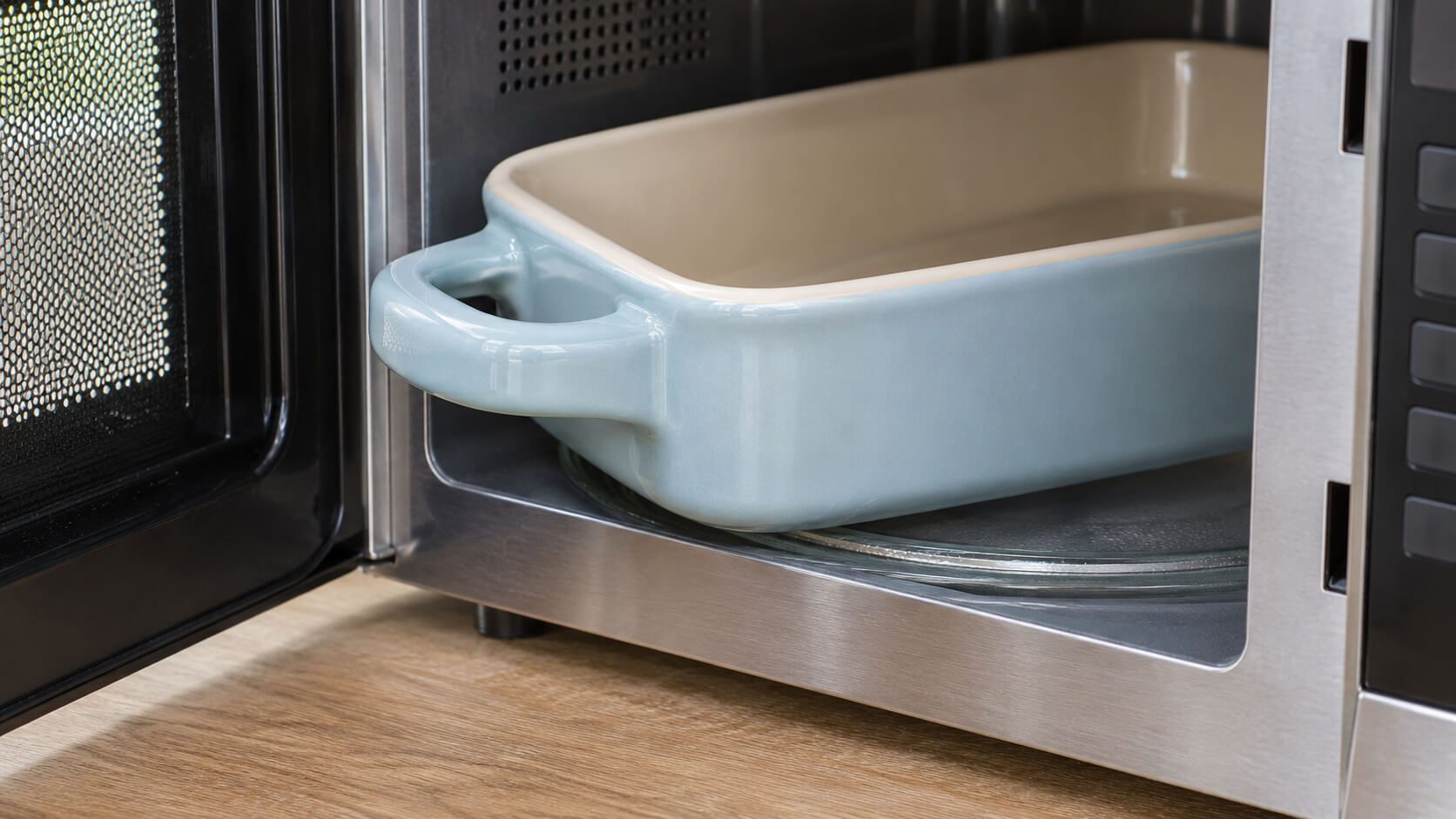
A large plate or a dish with a long handle can project past the front of the cooking cavity and stop the microwave door from closing. A cooking rack that isn’t seated on its supports can do the same thing. Remove the dish and any removable rack, then gently close the door with the microwave off and the cavity empty. If it shuts normally, check the size and position of the items you removed before putting them back. On a newly unpacked microwave, look for shipping material around the door opening and remove only the packing identified in the setup instructions. Don’t peel away a fitted cover, liner or other factory-installed part because it looks like packaging. Food splatter or hardened residue can also build up where the door meets the frame or around the visible latch openings. Wipe those accessible surfaces with a soft, damp cloth and dry them afterward. Don’t spray cleaner into the latch slots or scrape the sealing surfaces with a sharp tool. If the empty, clean microwave still won’t shut without force, move on to the external fit and latch checks.
2. The Shelf, Cabinet or Trim Is in the Door’s Path
If the door began catching after installation or after you moved the microwave, look at the space around the appliance. On a countertop model, the edge of a shelf or an object beside the hinge can block part of the door’s swing. Check that the microwave is on a stable, level surface and isn’t sliding when you try to close the door. On a built-in or over-the-range unit, watch whether the door touches the surrounding trim, a cabinet edge or an adjacent handle. You can do this by slowly moving the door with the microwave off and stopping as soon as it rubs. A scrape on nearby cabinetry can help show where the contact occurs. Compare the visible clearances with the installation instructions for your model instead of relying on a universal gap measurement. Move a loose item out of the way if that’s the only obstruction. If a built-in unit has shifted or its trim is in the way, have the installer check the mounting and fit. Don’t pry off trim, loosen mounting hardware, or force the door past whatever it’s hitting.
3. A Door Latch Hook, Spring or Catch Is Damaged
The door latch holds the microwave door in its closed position. Many models have plastic hooks on the door edge that engage catches behind openings in the front frame. If the door reaches the frame but bounces back when you let go, the hooks may not be engaging. With the appliance off, look at the visible hooks for cracks, a missing tip or a part that sits differently than it used to. A worn or broken latch spring can also stop a hook from returning to the position it needs to catch. If one hook is damaged, don’t assume the door is secure just because another hook still catches. A problem with the catch behind the frame can produce similar symptoms even if the door hooks look intact. Don’t bend the hooks, glue a broken tip or insert a tool into a latch opening. A change in the usual closing sound can help describe the problem, but a click alone doesn’t prove that the door is safely latched. If you can’t see an obstruction and the door still won’t latch, leave the microwave off and have the door hooks and their catches inspected together.
4. The Door Release Button Is Sticking
This check applies to microwaves with a push-button door release. The button operates a lever that frees the door latch when you want to open it. If the button sticks inward or the lever fails to return, the latch may not be ready to catch when you close the door. Notice whether the button springs back after a normal press with the appliance off. A button that feels loose, binds or stays recessed is a useful clue, but it doesn’t tell you whether the button, spring or lever is at fault. Wipe any visible residue from the outside of the button with a soft, slightly damp cloth. Don’t spray cleaner or lubricant into the gap around it. Don’t pry the button out or repeatedly press it harder to make it return. If your microwave opens with a pull handle and has no separate release button, skip this check. If the button remains stuck or the door still won’t latch after exterior cleaning, have the release assembly checked by a qualified microwave technician.
5. A Loose or Damaged Hinge Has Misaligned the Door
The hinges keep the microwave door aligned as it swings toward the frame. If a hinge loosens or becomes damaged, the door can sag so the latch hooks no longer line up with their openings. Check whether the free edge of a side-hinged door appears lower than usual or whether one corner reaches the frame before another. Look for rubbing marks near the spot where the door catches. A door that has to be lifted to close is another sign of misalignment. If alignment changed after the door was bumped or pulled downward, stop using the oven and arrange an inspection. A crooked door doesn’t prove a hinge has failed because a shifted installation or damaged frame can look similar. Don’t lift the door into place each time you use it or try to tighten concealed hinge hardware. A qualified technician can check the hinge and its mounting points as well as how the door meets the frame. Keep the microwave out of use until the door closes securely without being lifted or pushed into position.
6. The Door, Front Frame or Sealing Surface Is Damaged
A hard impact can bend the door or distort the frame even when the latch still clicks. That can leave one part of the door sitting away from the opening. With the appliance off, look for a new uneven gap, a dent near the door opening or visible damage to the inner door panel or sealing surfaces. The sealing area isn’t necessarily a soft rubber gasket, so don’t treat an unfamiliar edge as a part you can pull out or replace. An existing trim line can be normal from the factory, but a gap that appeared after an impact is a reason to stop using the oven. Don’t try to straighten a bent door, fill a gap or add tape or weatherstripping. A microwave that still heats food is not proof that a damaged door is safe. Don’t run it to check for leakage or rely on an improvised home test. Have a qualified technician assess whether the door and frame can be repaired safely. If the unit arrived damaged, keep it out of service and contact the seller or installer before attempting to use it.
What If the Door Closes but the Microwave Still Won’t Start?
If the door closes normally and without visible damage but a door warning remains, read the message instructions for your model first. Some microwaves ask you to open and close the door again before starting a cycle, so a single prompt doesn’t prove that a part has failed. If the warning keeps returning, note exactly what appears on the display and when it appears. A misaligned latch or a problem with a door interlock switch can prevent the microwave from recognizing that the door is closed. The interlocks are safety devices, not parts to hold down or bypass to get the oven running. If the microwave appears to keep cooking with the door open, stop using it immediately. Don’t remove the outer cabinet because internal high-voltage components can retain a dangerous charge after the appliance is unplugged. Give the technician the model number and report whether the door bounces back, rubs or closes normally with a warning. Mention any recent drop, impact or installation work. Before the microwave returns to use after a door or interlock repair, a qualified technician should verify proper closing and safety operation.